
EVERYDAY NUTRITION, WITH YOU
Your nutrition
companion.
In your pocket.
Plan your meals, understand your plate, and chat with your AI Coach. Everyday nutrition support, wherever your day takes you.
Meet your companion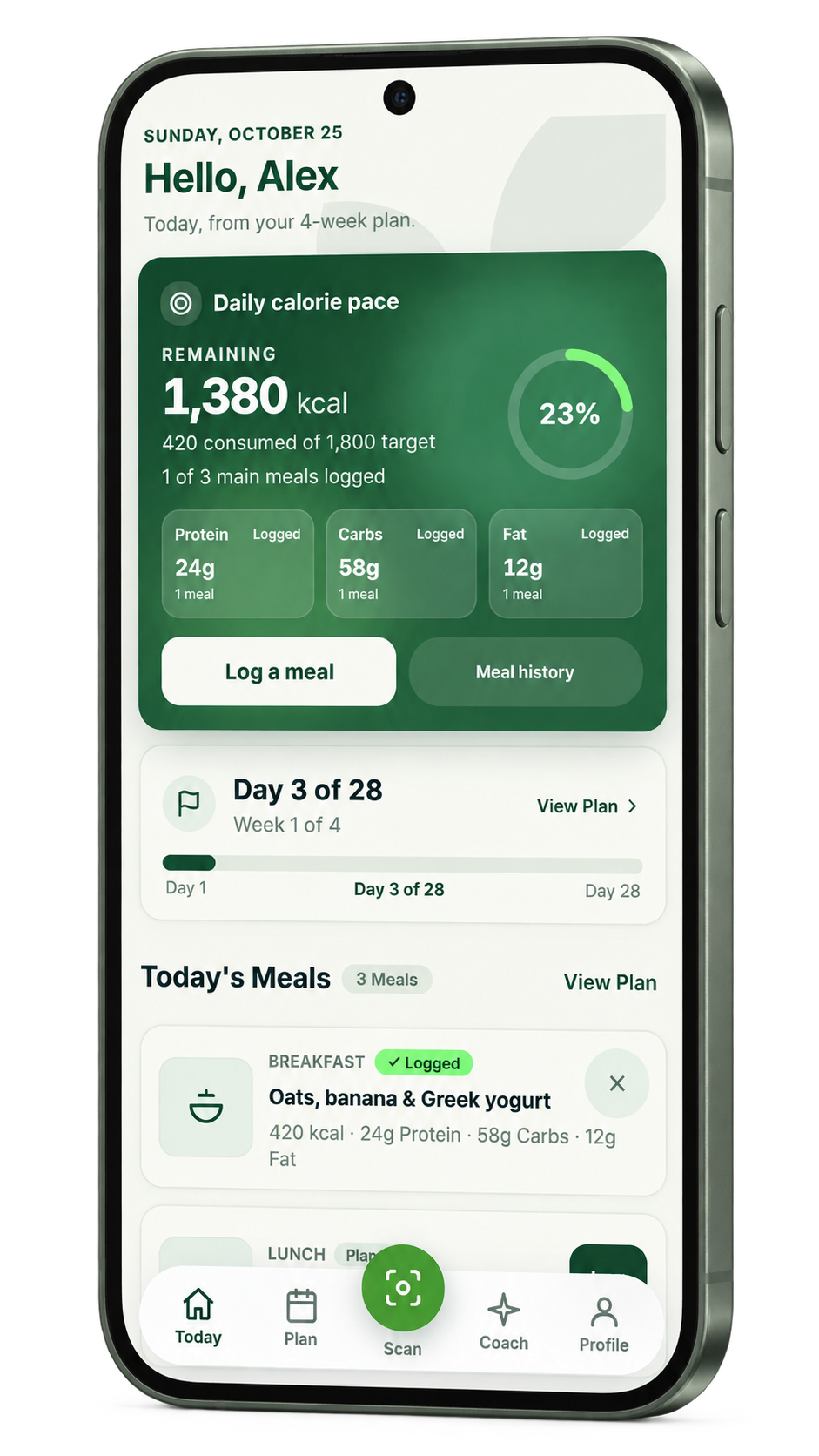
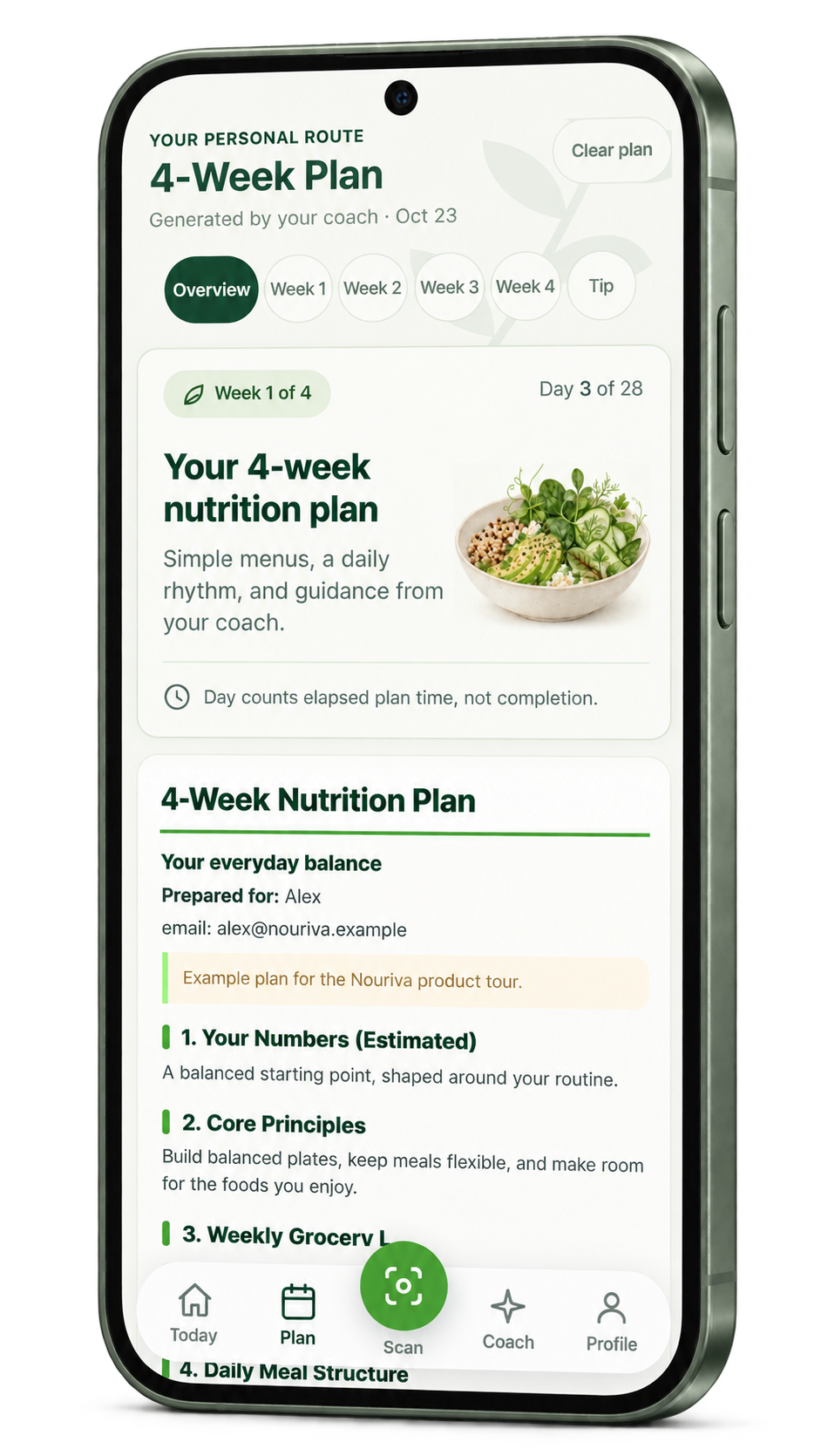
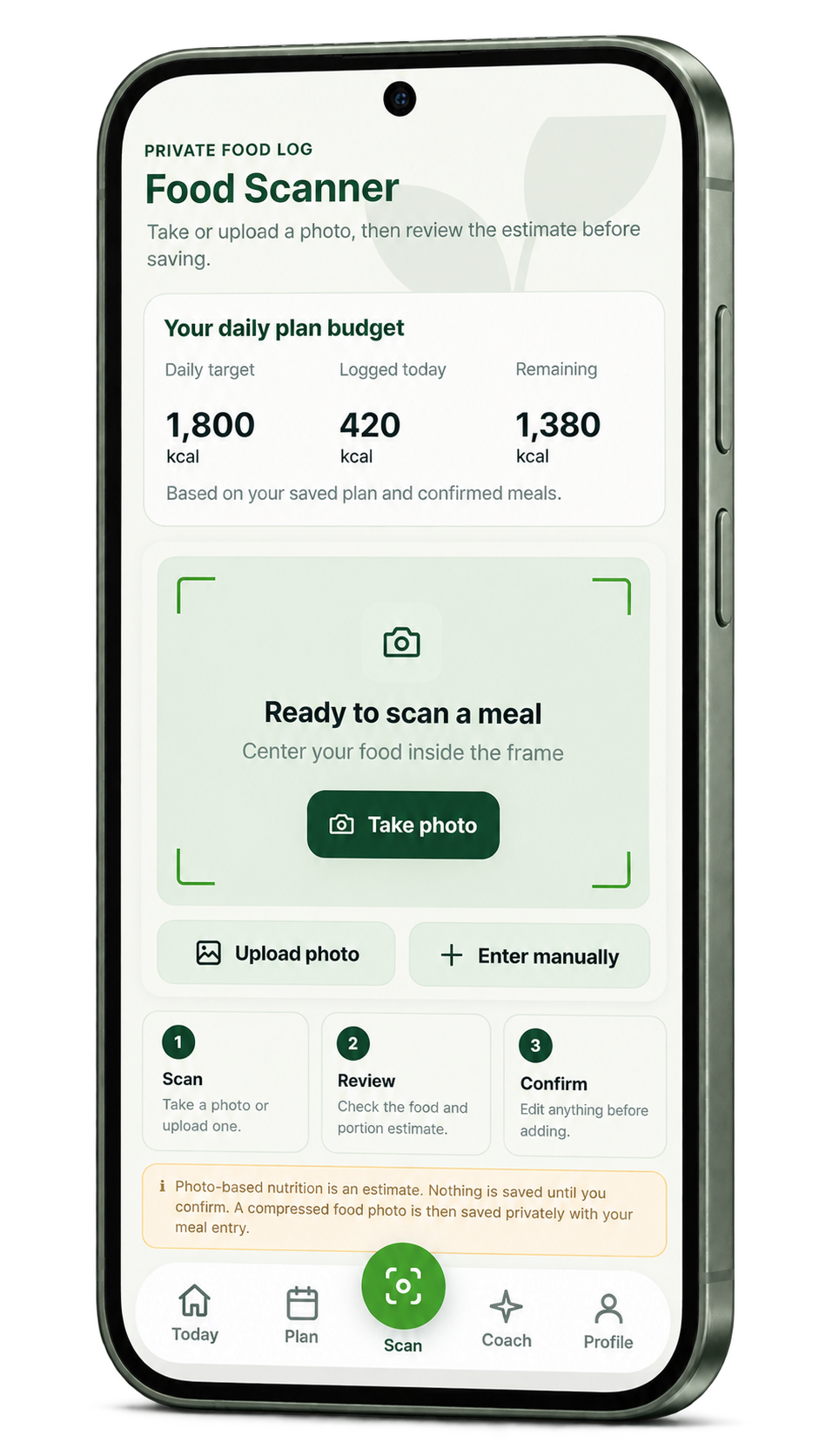
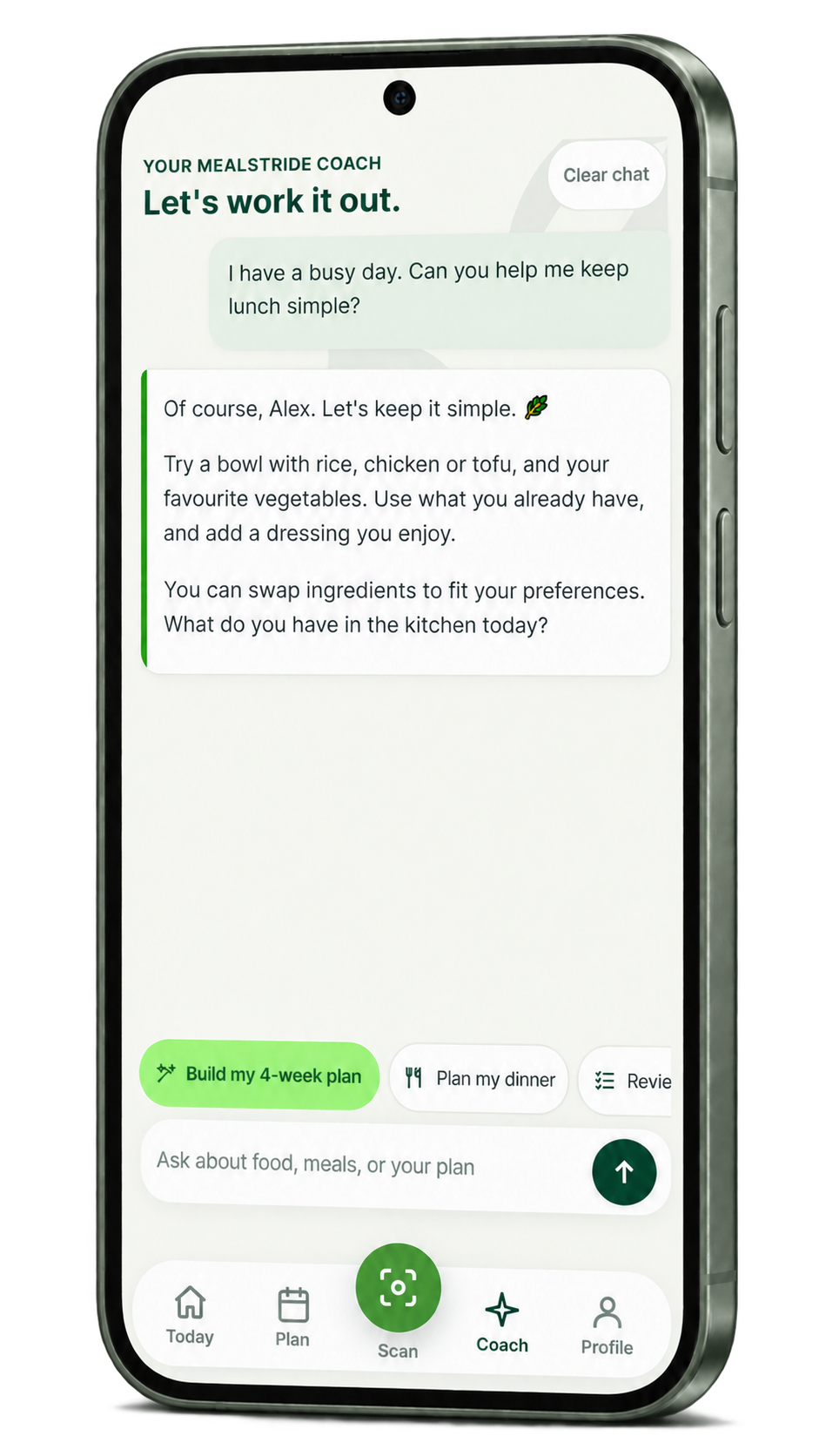
DRAG OR SWIPE TO EXPLORE ↔
FIVE WAYS TO MAKE IT PERSONAL
Support for every part of your day.
A clearer view of your day.
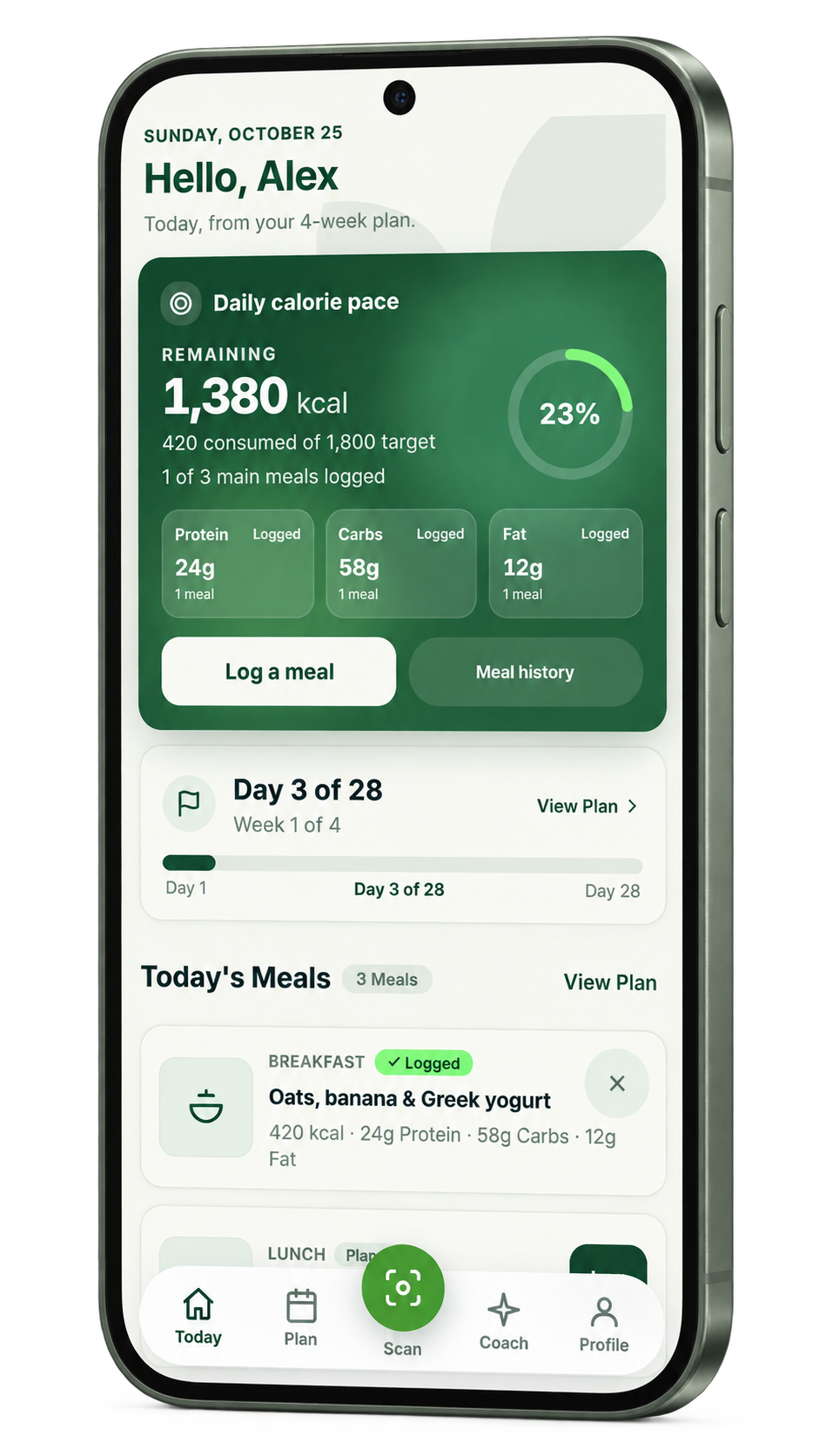
Keep your meals, water, and daily nutrition in view. See how today fits into your four-week plan, so you can decide what comes next.
- Meals & water
- Daily overview
- Your plan, close by
Phone previews based on the actual Mealstride interface. Illustrative sample data.
A COMPANION FOR THE SMALL STEPS
A little support.
For everyday life.
From planning your next meal to making sense of your plate, Mealstride helps you take everyday food decisions one step at a time.
Try demo- 01
Tell us what works for you.
Add your details and food preferences so your Coach can keep your routine in mind.
- 02
Give your meals a little direction.
Build a four-week plan with Coach and browse meal ideas for the days ahead.
- 03
Keep your companion close.
Check your day, log a meal, or ask a question whenever you open Mealstride.
 YOUR NUTRITION COMPANION, RIGHT IN YOUR POCKET.
PERSONAL SUPPORT, WHEREVER LIFE GOES
Your food.
Your routine.
A companion for both.
Mealstride brings meal planning, food logging, and your AI Coach into one place. It’s a companion you can return to as your preferences, questions, and everyday routine take shape.
GET TO KNOW YOUR COMPANION
A few things
to know.
What is Mealstride?+
Mealstride is your nutrition companion in your pocket. It brings a daily overview, four-week meal planning, meal and water logging, photo-based food estimates, and a text-based AI Coach into one app.
Can I take Mealstride with me?+
Yes. Try the Android app through its APK, or add the online app to your iPhone Home Screen using Safari. Our demo page includes both installation guides and a request form for account access.
How does the food scanner work?+
Snap or upload a food photo, then review the ingredients, portions, and estimated nutrition. Adjust the details before saving, or enter a meal manually. Photo estimates aren’t exact measurements.
Are these real app screens?+
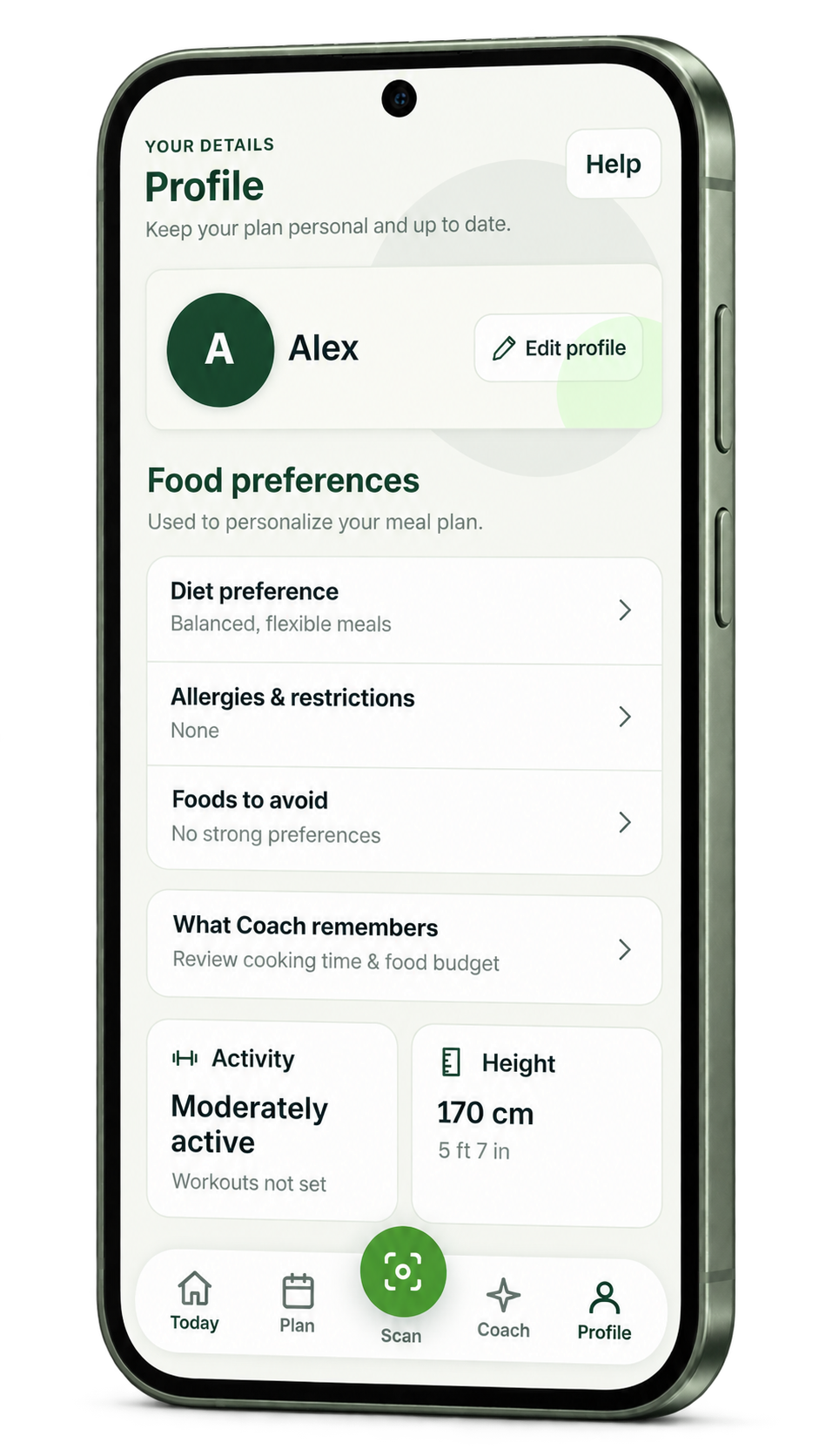
The phone previews are based on the current Mealstride interface. The full-size gallery contains the original screenshots from an isolated sample account. Names, meals, numbers, plans, and chat messages shown here are illustrative.
How do I share my food preferences?+
Your Profile holds your diet preference, allergies and restrictions, and foods you prefer to avoid. You can update these details and review what Coach remembers about your cooking time and food budget.
KEEP A LITTLE SUPPORT CLOSE
A little support.
Wherever you go.
Your meals, your plan, and your AI Coach—together in Mealstride.
Try demo Android & iPhone setup · Request your demo account.